
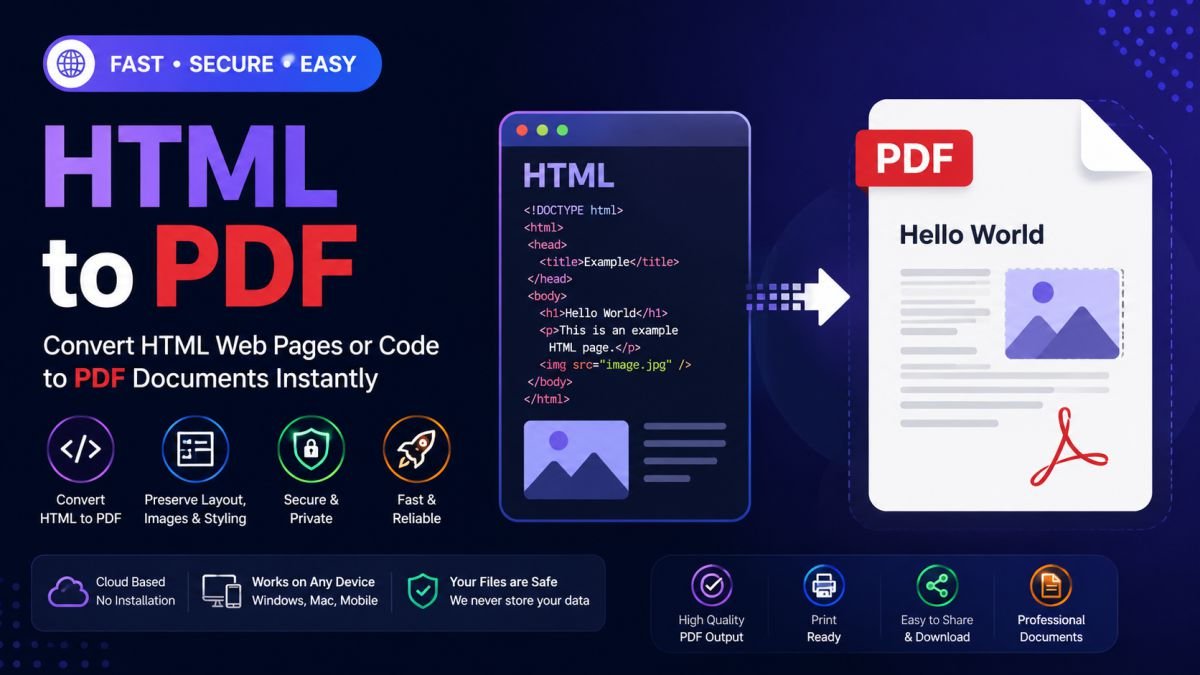
HTML to PDF Converter – Convert Web Pages and HTML Code to PDF Online
HTML is the foundation of the modern web. From websites and landing pages to reports and web applications, HTML is used everywhere to display content online. However, there are many situations where you need a static, printable, and shareable version of a web page.
That's where an HTML to PDF Converter becomes incredibly useful.
An HTML to PDF tool allows you to convert web pages, HTML files, or HTML code into professional PDF documents while maintaining the original layout, formatting, images, and content structure.
Whether you're a developer, business professional, student, or content creator, converting HTML to PDF helps you create reliable documents that can be viewed and printed on any device.
What is HTML to PDF Conversion?
HTML to PDF conversion is the process of transforming web content into a Portable Document Format (PDF).
Instead of sharing a web page link, you can generate a PDF version that:
- Looks professional
- Works offline
- Is easy to print
- Preserves formatting
- Can be archived for future use
The resulting PDF captures the visual appearance of the original HTML page.
Why Convert HTML to PDF?
📄 Create Professional Documents
Transform web pages into clean and professional PDF files.
🖨 Better Printing Experience
PDF files are optimized for printing and maintain consistent layouts.
📧 Easy Sharing
Send a single PDF document instead of requiring recipients to visit a website.
🌐 Offline Access
View content without an internet connection.
📚 Archive Important Content
Store reports, invoices, articles, and web pages permanently.
Key Features of an HTML to PDF Converter
⚡ Instant Conversion
Generate PDFs from HTML pages within seconds.
🎨 Preserve Design & Layout
Maintain styling, colors, images, and formatting.
📱 Responsive Compatibility
Works with HTML created for desktop and mobile layouts.
🔐 Secure Processing
Files and web content are processed securely.
☁️ Browser-Based Tool
No software installation required.
🌍 Cross-Platform Support
Works on:
- Windows
- macOS
- Linux
- Android
- iPhone
- Tablets
How to Convert HTML to PDF
Step 1: Upload HTML File or Enter Code
Choose an HTML file or paste HTML code.
Step 2: Start Conversion
Click the conversion button.
Step 3: Generate PDF
The system renders the HTML content into a PDF document.
Step 4: Download PDF
Save the generated PDF instantly.
Common Use Cases
Web Developers
Generate PDF reports, invoices, and website previews.
Businesses
Create printable versions of web-based documents.
Students
Convert projects and assignments into PDF format.
Bloggers & Content Creators
Save articles and web content for distribution.
Organizations
Archive web pages for compliance and documentation purposes.
Benefits of PDF Over HTML
| Feature | HTML | |
|---|---|---|
| Offline Access | Limited | Yes |
| Printing | Browser Dependent | Consistent |
| Sharing | Requires Browser | Universal |
| Layout Stability | Variable | Fixed |
| Professional Documents | Moderate | Excellent |
| Archiving | Less Suitable | Ideal |
Why Businesses Use HTML to PDF
Many organizations generate documents directly from websites and applications.
Popular examples include:
- Invoices
- Receipts
- Reports
- Contracts
- Certificates
- Financial Statements
- Employee Records
Converting HTML to PDF ensures consistent document formatting and easier distribution.
Advantages of Online HTML to PDF Tools
✅ No software installation
✅ Fast processing
✅ Professional output
✅ Accessible anywhere
✅ Secure file handling
✅ Compatible with modern browsers
These benefits make online converters ideal for both personal and business use.
Tips for Best Results
To create high-quality PDFs:
- Use properly structured HTML.
- Ensure images load correctly.
- Optimize page width.
- Test responsive layouts.
- Remove unnecessary elements before conversion.
These practices help generate cleaner and more professional PDF documents.
Final Thoughts
An HTML to PDF Converter is a powerful tool for transforming web pages and HTML code into professional, printable, and shareable PDF documents. Whether you're creating reports, invoices, documentation, or archived web content, converting HTML to PDF provides a reliable and universally accepted format.
Start converting your HTML content today and create high-quality PDF documents in just a few clicks.



Reader Discussions
No comments posted yet. Be the first to start the discussion!
Leave a Reply