
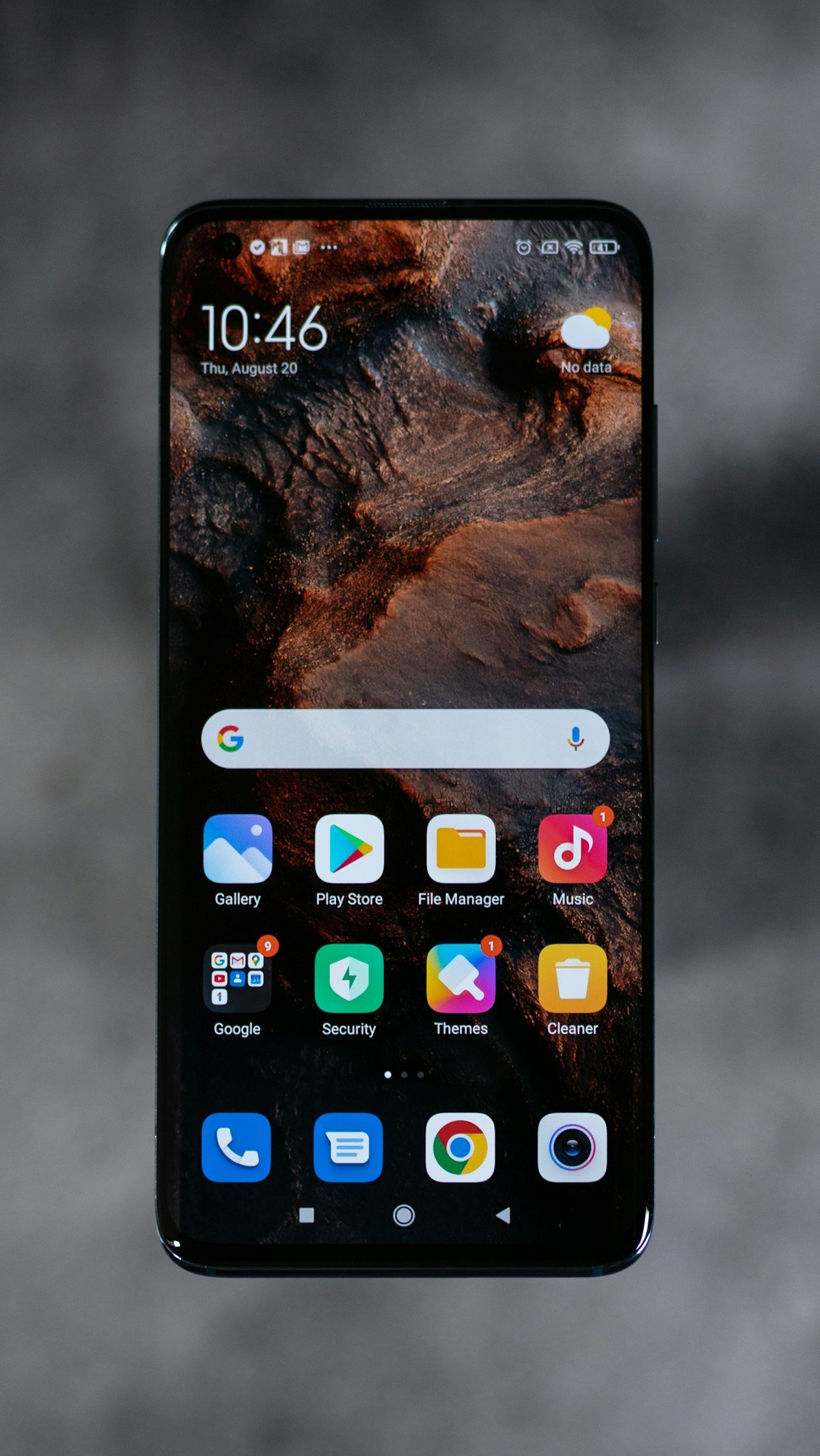
Introduction: Nothing’s Distinctive Software Philosophy
In a smartphone market increasingly homogenized by iterative hardware upgrades and cluttered software skins, London-based tech disruptor Nothing, helmed by Carl Pei, has carved a distinctive identity rooted in design minimalism, intentional digital interaction, and iconic dot-matrix visual aesthetics. With the release of Nothing OS 5.0, built on the cutting-edge Android framework, Nothing has elevated its software experience to new heights.
Nothing OS 5.0 is not merely a visual refresh; it represents a comprehensive overhaul of system fluidity, on-device artificial intelligence, battery efficiency, and hardware-software synergy through its signature Glyph Interface. In this comprehensive review, we dive deep into every major feature, performance enhancement, and supported device in Nothing OS 5.0.
Visual Identity & Design Language: The Dot-Matrix Evolution
Nothing OS 5.0 refines the brand’s beloved monochrome and dot-matrix visual typography while introducing subtle, customizable color accents for users seeking greater personalization:
1. Dynamic Lock Screen Customization 2.0
Users can now design completely modular lock screens using an expanded library of interactive dot-matrix widgets, including real-time weather trackers, compass modules, fitness rings, quick voice-memo recorders, and smart home shortcuts. Interactive depth effects allow wallpaper subjects to gracefully layer over clock typography.
2. Interactive Dot-Matrix AI Widgets
Nothing OS 5.0 introduces a suite of native AI-powered widgets that summarize unread notifications, provide contextual calendar briefs, and deliver intelligent news digests without requiring users to open separate applications.
3. Unified Icon Packs & Seamless Dark Mode
The system-wide monochrome icon theming has been overhauled with intelligent algorithmic mask rendering, ensuring that 100% of third-party apps automatically adapt to Nothing’s minimalist aesthetic without awkward mismatched borders.
The Glyph Interface 3.0: Next-Level Hardware Integration
The iconic LED Glyph Interface on the rear transparent glass back of Nothing smartphones receives its most powerful software update yet in OS 5.0:
- Glyph Developer SDK 2.0: Expanded third-party app support allows delivery apps (Zomato, Swiggy, Uber) and ride-sharing services to project real-time progress bars directly onto the rear LED light tracks.
- Interactive Glyph Torch & Studio: A redesigned Glyph Studio allows users to compose custom ringtone sound effects synchronized with intricate multi-zone LED light patterns.
- Essential Notification Glyph Priority: Users can assign specific contacts or critical application alerts to illuminate a persistent, dedicated LED indicator until acknowledged, reducing screen addiction.
On-Device AI & System Performance Optimizations
Under the hood, Nothing OS 5.0 delivers significant architectural improvements designed to maximize device speed and battery endurance:
1. Hyper-Responsive App Launch Engine
Leveraging predictive machine learning algorithms, Nothing OS 5.0 pre-loads frequently used applications into RAM based on user routines, reducing cold app launch times by up to 35%.
2. Intelligent Battery Health Manager 2.0
AI-driven nocturnal charging protocols learn your sleep schedule, pausing charge cycles at 80% and topping off to 100% just 15 minutes before your morning alarm wakes you, dramatically extending long-term battery lifespan.
3. Ultra-Smooth 120Hz Animation Physics
System transitions, gesture navigation swipes, and folder expansions feature redesigned spring physics calibrated for 120Hz LTPO OLED displays, delivering an exceptionally buttery, tactile user experience.
Eligible Devices & Rollout Schedule
Nothing has committed to an aggressive, phased rollout schedule for Nothing OS 5.0 across its product portfolio:
- Phase 1 (Flagship Wave): Nothing Phone (3), Nothing Phone (2).
- Phase 2 (Mid-Range & Community Wave): Nothing Phone (2a), Nothing Phone (2a) Plus.
- Phase 3 (Legacy & CMF Wave): CMF Phone 1, Nothing Phone (1).
Conclusion
Nothing OS 5.0 stands out as a triumph of modern smartphone software engineering. By rejecting bloatware, championing purposeful design minimalism, and expanding the capabilities of the Glyph Interface, Nothing proves that operating systems can be functional, elegant, and exciting simultaneously.



Reader Discussions
No comments posted yet. Be the first to start the discussion!
Leave a Reply