
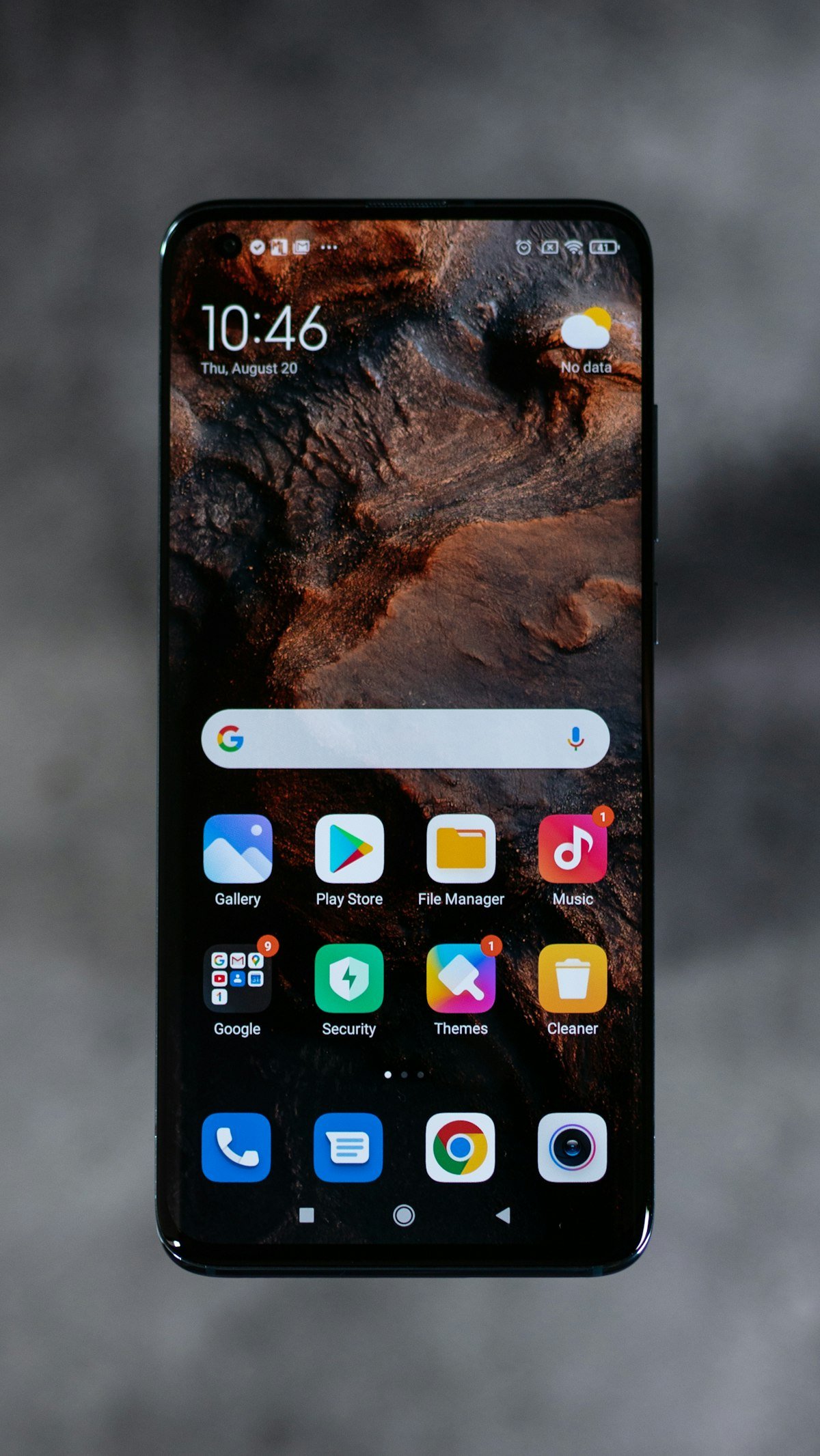
Introduction: Oppo’s Next-Gen Software Milestone
Oppo has continuously refined its proprietary software ecosystem, transforming ColorOS into one of the most fluid, visually polished, and feature-rich Android skins on the market. With the rollout of ColorOS 17, built on the latest Android architecture, Oppo introduces massive upgrades in system smoothness, on-device artificial intelligence, visual aesthetics, cross-device PC connectivity, and battery optimization.
In this definitive guide, we provide a complete breakdown of ColorOS 17’s top features, eligible Oppo smartphones, step-by-step download instructions, and performance benchmarks.
Top New Features in ColorOS 17
1. Upgraded Aquamorphic Design 3.0
ColorOS 17 refines Oppo’s signature Aquamorphic design philosophy with fluid physics-based animations, dynamic glass-morphism transparency effects, and adaptive sound design inspired by nature. System UI elements gracefully adapt to ambient lighting conditions and diurnal time cycles.
2. Trinity Engine 2.0 & Ultra-Smooth Performance
Oppo’s proprietary Trinity Engine receives major performance tuning in ColorOS 17:
- Linguistic Memory Compression: Reduces system RAM overhead by up to 25%, allowing up to 35 apps to stay suspended in memory without background killing.
- Instant Touch Response: Reduces touch input latency by 18%, delivering instantaneous feedback during high-speed gaming and typing.
- Smart Storage Vitalization: Automatically defragments internal flash memory to maintain day-one read and write speeds over 48 months of continuous use.
3. Advanced AI Portrait & Productivity Suite
ColorOS 17 integrates generative AI directly into the native system applications:
- AI Smart Eraser 2.0: One-tap removal of unwanted background photobombers and glare reflections in the native Gallery app.
- AI Voice & Document Summarizer: Instant transcription and bulleted summary generation from recorded meetings and lengthy PDF documents.
- AI Text-to-Image Generator: Create custom wallpapers and digital artwork directly from text descriptions in theme settings.
Eligible Oppo Devices for ColorOS 17 Update
Oppo has announced a comprehensive rollout roadmap across multiple product series:
| Product Series | Eligible Smartphone Models |
|---|---|
| Find Series (Flagship) | Find X8 Pro, Find X8, Find X7 Ultra, Find N3 Fold, Find N3 Flip |
| Reno Series (Premium Mid-Range) | Reno 12 Pro, Reno 12, Reno 11 Pro, Reno 11, Reno 10 Pro+ |
| F & K Series | Oppo F27 Pro+, F25 Pro, F23 5G, K12x 5G, K11 5G |
| A Series (Budget 5G) | Oppo A3 Pro, A79 5G, A59 5G |
Step-by-Step Guide: How to Download & Install ColorOS 17
To safely update your eligible Oppo smartphone, follow these standard steps:
- Backup Your Data: Create a full cloud or local backup of your photos, contacts, and personal documents.
- Ensure Adequate Battery & Storage: Connect your device to a charger (minimum 50% battery) and ensure at least 10GB of free internal storage space.
- Navigate to Settings: Open Settings > About Device.
- Check for Updates: Tap on the ColorOS Version Banner at the top to initiate an OTA update check.
- Download & Install: If ColorOS 17 is available, tap Download and Install, and allow the phone to reboot automatically.
Conclusion
Oppo ColorOS 17 delivers a polished, responsive, and future-ready operating system experience. With meaningful AI tools, refined Aquamorphic animations, and stellar battery efficiency, ColorOS 17 reasserts Oppo’s commitment to superior mobile user experiences.



Reader Discussions
No comments posted yet. Be the first to start the discussion!
Leave a Reply